Vice City / Skinler
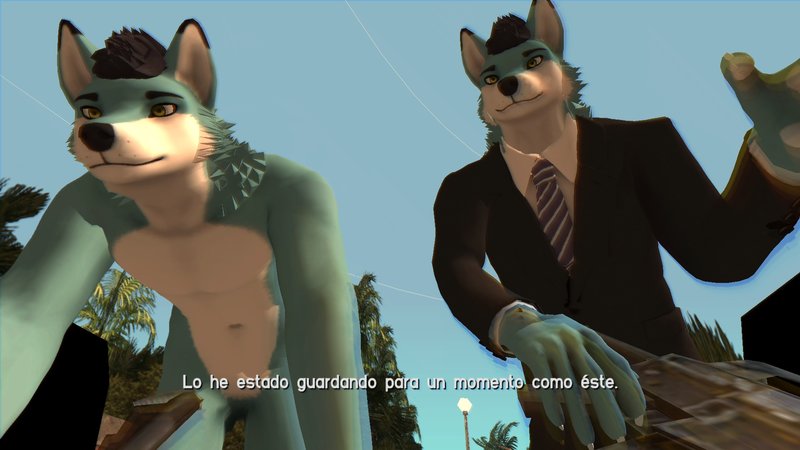
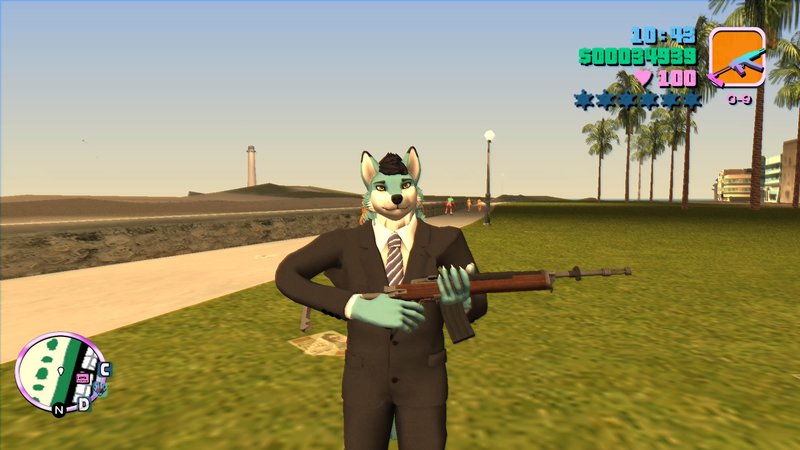
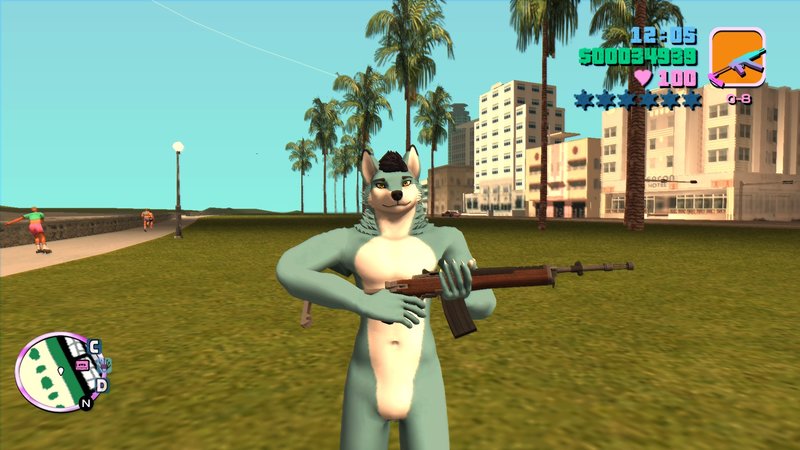
Furry Wolf For VC
- Sebas647 | yükleyen: Sebas647
- 01/28/2021
- 5371 İndirmeler
Puanlamalar:
Lütfen önce giriş yap.
Favoriler:
Videos
Henüz hiç video eklenmedi.Bu moda video eklemek için giriş yapmış olman gerekir.
Yorumlar
Şu ana kadar 9 yorum gönderilmiş.






05/15/2021 02:10
@The fox Aaron3
open imgtool 2.0
open gta3.img and look for player.dff and .txd
then delete both files (dont replace) and rename wolf.dff and .txd to player.dff and .txd
after that put inside gta3.img and then rebuild archive
delete player.bmp picture inside models/generic folder
done.
Alıntı yap | Cevapla
@The fox Aaron3
open imgtool 2.0
open gta3.img and look for player.dff and .txd
then delete both files (dont replace) and rename wolf.dff and .txd to player.dff and .txd
after that put inside gta3.img and then rebuild archive
delete player.bmp picture inside models/generic folder
done.
Alıntı yap | Cevapla
05/15/2021 02:04
Alıntı yap | Cevapla
you need to rename it to player.dff and player.txd (inside gta3.img) and delete player.bmp picture inside models/generic folderQuote: kylewilson
Is there any tutorial to install this? I tried to put them all in gta3.img but it didn't work
Alıntı yap | Cevapla

03/01/2021 19:56
Love it! I smell a removal though.
If any of you need help, rename Wolf* and WolfSuit* to the names of the models you want to replace, and then put them in gta3.img. Otherwise, use a skin changer and follow the instructions of the specific one you want to use.
Alıntı yap | Cevapla
Love it! I smell a removal though.
If any of you need help, rename Wolf* and WolfSuit* to the names of the models you want to replace, and then put them in gta3.img. Otherwise, use a skin changer and follow the instructions of the specific one you want to use.
Alıntı yap | Cevapla
02/10/2021 07:31
Is there any tutorial to install this? I tried to put them all in gta3.img but it didn't work
Alıntı yap | Cevapla
Is there any tutorial to install this? I tried to put them all in gta3.img but it didn't work
Alıntı yap | Cevapla