San Andreas / Skinler / Yeni Görünüm / Model
Dead or Alive Nagisa Sunny Promenade
- Petesiantenkk | yükleyen: Petesiantenkk
- 01/01/2023
- 1124 İndirmeler
Puanlamalar:
Lütfen önce giriş yap.
Favoriler:
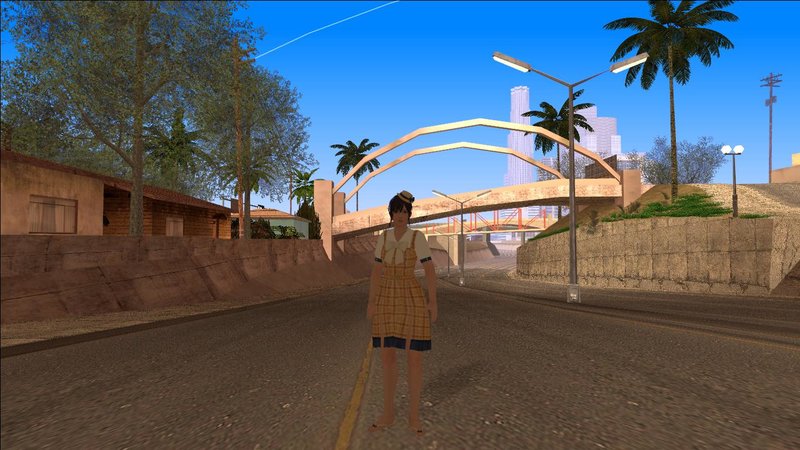
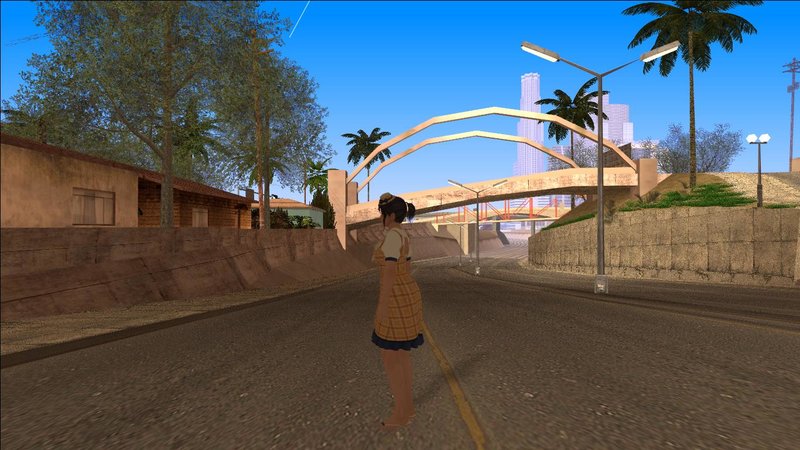
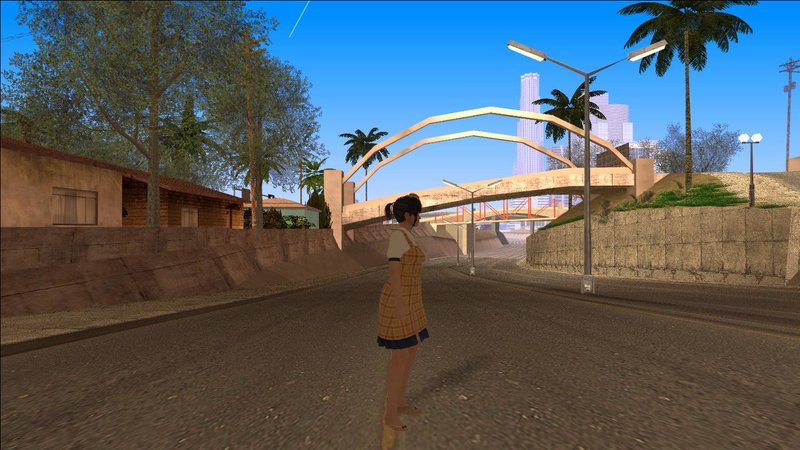
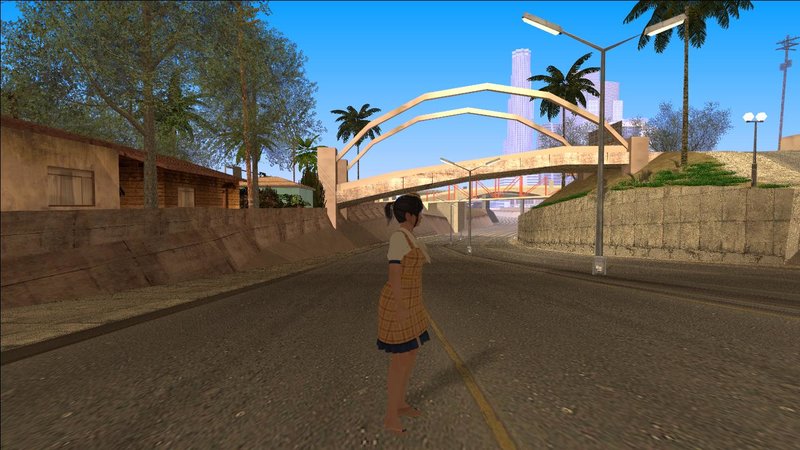
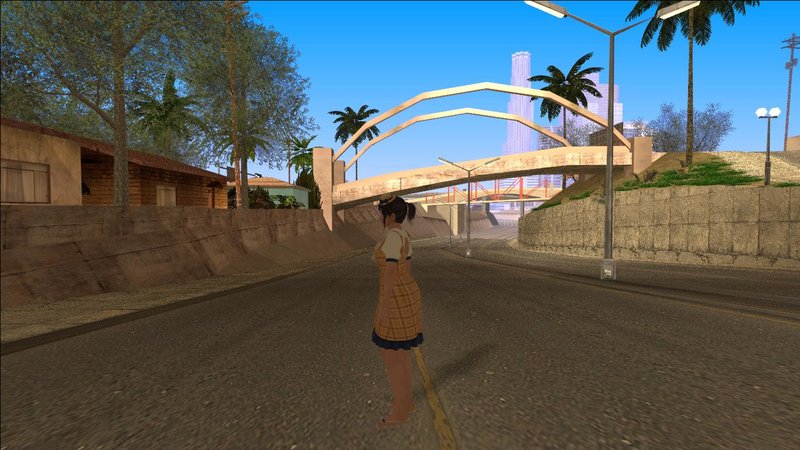
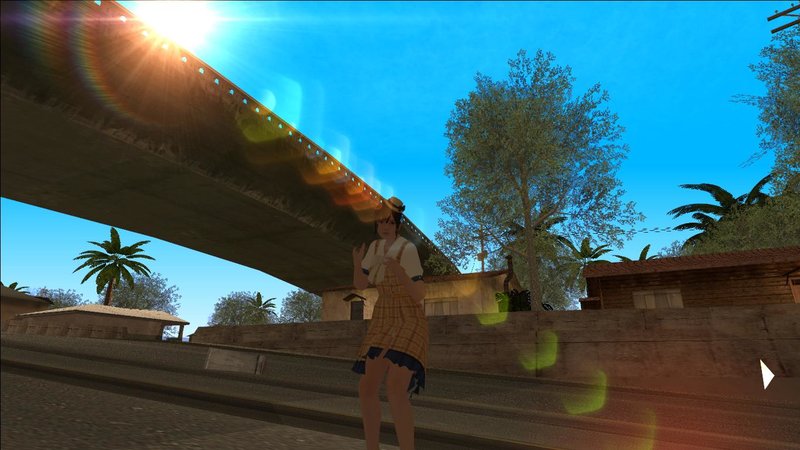
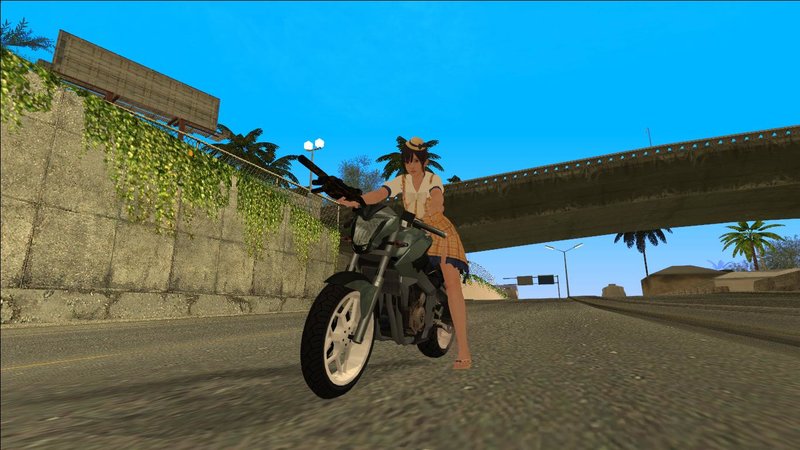
Videos
Henüz hiç video eklenmedi.Bu moda video eklemek için giriş yapmış olman gerekir.
Açıklama
Imported to gta by me Hello.There_ / Petesiantenkk
Don't steal my work!
support me on patreon. i will post my future works there
https://www.patreon.com/GeneralKenobii
check out my yt channel also
https://www.youtube.com/@hello.theree_/featured
Model Exported by Shuubaru from deviantart deviantart.com/shuubaru
Installation:
skin selector
1. download and install alci's img editor
2. download and install skin selector https://www.gtaall.com/gta-san-andreas/cleo/4876-skin-selector-v21.html
3. open alci's img editor
4. open skin.img
5. import everything in Skin folder
6. Save and Rebuild
7. enjoy!
Ped
1. download and install alci's img editor
2. open alci's img editor
3. open gta3.img
4. rename everything in Skin folder to andre.dff , andre.txd or male01.dff , male01.txd to your liking
5. Save and Rebuild
6. enjoy!
Thank you!
Don't steal my work!
support me on patreon. i will post my future works there
https://www.patreon.com/GeneralKenobii
check out my yt channel also
https://www.youtube.com/@hello.theree_/featured
Model Exported by Shuubaru from deviantart deviantart.com/shuubaru
Installation:
skin selector
1. download and install alci's img editor
2. download and install skin selector https://www.gtaall.com/gta-san-andreas/cleo/4876-skin-selector-v21.html
3. open alci's img editor
4. open skin.img
5. import everything in Skin folder
6. Save and Rebuild
7. enjoy!
Ped
1. download and install alci's img editor
2. open alci's img editor
3. open gta3.img
4. rename everything in Skin folder to andre.dff , andre.txd or male01.dff , male01.txd to your liking
5. Save and Rebuild
6. enjoy!
Thank you!
Yorumlar
Şu ana kadar 0 yorum gönderilmiş.