San Andreas / Modlar / Modifikasyonlar
GTA IV Animated Load Screens For SA VC III
- CharlesVercetti | yükleyen: CharlesVercetti
- spilledout.cc/gtamodding/20...
- 11/22/2026
- 137 İndirme
Puanlamalar:
Lütfen önce giriş yap.
Favoriler:
Videolar

Bu moda video eklemek için giriş yapmış olman gerekir.
Açıklama
DO NOT PUT INSIDE MODLOADER.
Requirements:
- GTA III/VC/SA v1.0 exe.
- Ultimate ASI Loader
- If you have skygfx installed, disable ps2 loadscreens option in skygfx.ini for GTA III and VC. It will crash the game if not. (ps2Loadscreen=0)
- Delete SaveLoader plugin if you have it. It will crash the game if not.
How to Install:
- Open the folder of the game you require.
- Copy and paste to the root directory of your game folder.
- Mod loader is not supported.
Overview:
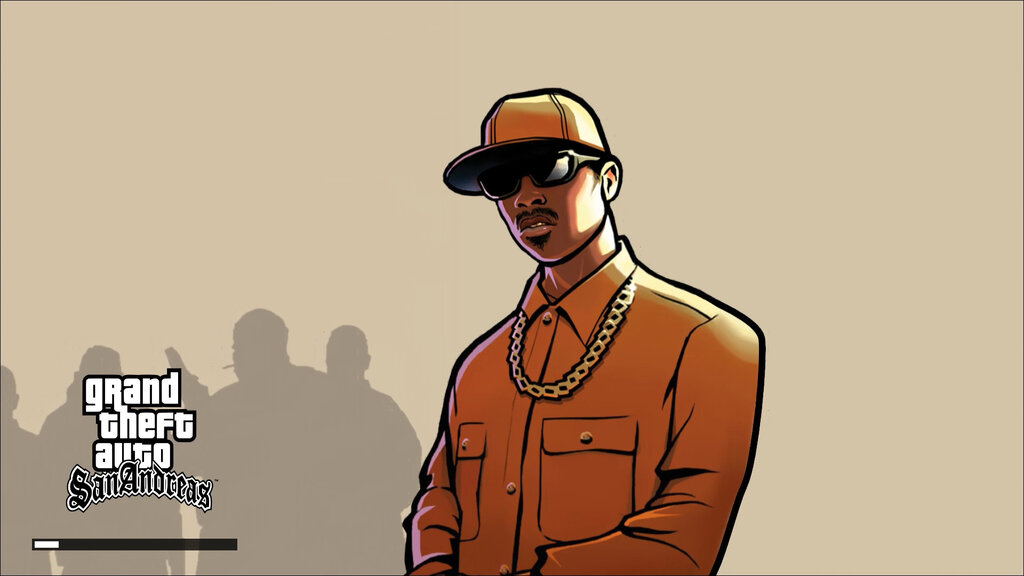
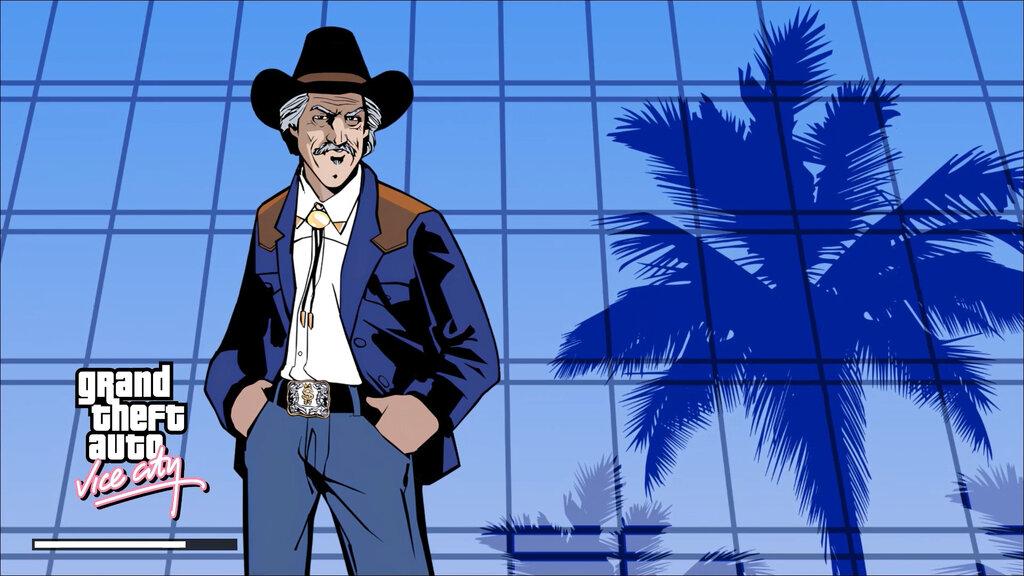
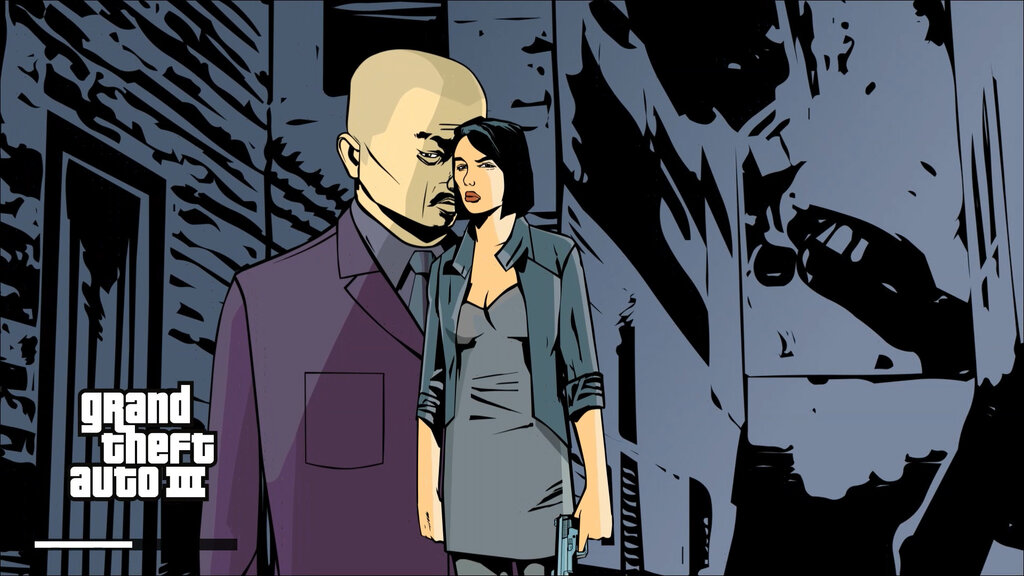
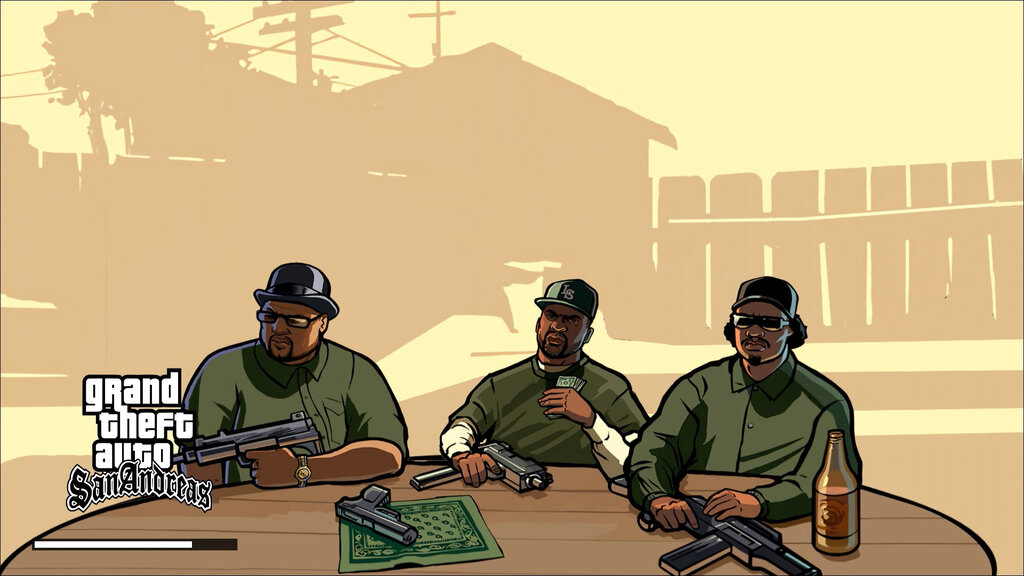
This was created as part of the GTA VI Rect HUD mod. Now I split it, polished it and expanded it to the OG trilogy.
- Like GTA IV, one slide moves in one direction, while background moves another, in randomized motions per slide. You can also override the animation with fixed suffix tags for each slide. Refer “Animation tags” section below.
- Add n-number of loading screen folders, with n-number of layers, all in.png format thanks to Direct Image Rasterizer.
- Smooth 60 fps animation with customizable animation speed, fade out timings and even a forced artificial delay to enjoy the music and loading animations, just like old times.
- Customizable logo positions. Can place game logo in any corner of screen, with offset.
- Custom loading bar styles — either choose to have no loading bar, or a simple rectangular bar or GTA V style info box.
Configuration file:
When you run the mod first time, AnimLoadScreens.ini is generated in your scripts\ directory with all the default settings.
[General]
- SkipLoadingScreen (0 or 1): Skip loading screens entirely and transition straight to menu or gameplay. Ironic, but just for fun.
- DisableInGameSplashes (0 or 1, GTA III only): Suppresses the low-resolution static mission splash screens (SCM opcode 03D8) and eliminates the 1.75-second static freeze when loading save games, transitioning player control straight into the action.
[Animation]
- EnableParallax (1 = yes, 0 = no): Enables dynamic parallax motion between layers. When disabled, layers render without the animation.
- SlideDurationMs (default: 5000): Duration in milliseconds to display each animated slide before transitioning to the next.
- TotalDurationMs (default: 15000): Set an artificial loading delay. Keeps the loading screen slideshow running for at least this amount of time. Set to 0 to finish immediately when the engine is ready.
- FadeDurationMs (default: 500): Duration in milliseconds for the smooth fade-to-black transition between slides and into gameplay.
- AnimationSpeed (default: 0.80): Speed multiplier for camera motion, zooming, and parallax sliding.
[Overlays]
- ShowGameLogo (1 = yes, 0 = no): Displays the high-resolution game logo (other_assets\logo.png) over the loading screen.
- LogoPosition (0 to 5): Screen anchor position for the logo:
- 0: Bottom Left (default)
- 1: Bottom Center
- 2: Bottom Right
- 3: Top Left
- 4: Top Center
- 5: Top Right
- LogoOffsetFromScreenEdge (default: 40.00): Pixel margin offset from screen edges.
- LoadingBarStyle (0 to 3): Choose the visual indicator for loading progress:
- 0: Disabled (neither bar nor spinner drawn).
- 1: Rectangular progress bar with outer border and inner fill (default).
- 2: Status text bar with rotating spinner wheel.
- 3: Minimalist standalone rotating spinner wheel.
- LoadingBarPosition (0 to 5): 6-corner anchor position for the loading bar/spinner (default: 0 = Bottom Left).
- LoadingBarOffsetFromScreenEdge (default: 20.00): Pixel clearance from screen edges.
- LoadingBarDimensions (default: 125.00 5.00): Width and height in pixels for Style 1 rectangular progress bar.
- LoadingBarScale (default: 1.00): Global scale multiplier for loading bars, text fonts, and spinner wheels.
[Colors]
- ProgressBarColor (default: 255 255 255 255): Inner progress fill color in R G B A format.
- ProgressBarBackgroundColor (default: 0 0 0 200): Outer border and background bar color in R G B A format.
[LoadingMusic]
- EnableLoadingMusic (1 = yes, 0 = no): Stream background loading music from other_assets\loading.mp3.
- LoadingMusicStartPos (default: 0.20 for III, 0.23 for VC, 0.25 for SA): Starting track offset ratio (0.0 = beginning, 0.5 = middle). Set this to decide from which point in the track the music plays.
- LoadingMusicFadeInMs (default: 1500): Fade-in duration in milliseconds when music starts.
- LoadingMusicFadeOutMs (default: 1000): Fade-out duration in milliseconds when loading completes and world audio begins.
- LoadingMusicVolume (default: 75): Master volume percentage (0 to 100), scaled dynamically with the in-game audio volume preferences.
Loading screen structure:
The mod doesn’t use.txd and opts for.png layers loaded via Direct Image Rasterizer for a dynamic and customizable experience:
- load_screens/
- loadsc0/ (Dedicated initial boot splash)
- layer0.png — Background layer
- layer1.png — Foreground laye (s)
- loadsc1/ (First random in-game slide)
- layer0.png — Background layer
- layer1.png — Foreground laye (s)
- loadsc2/ … loadscN/ (Unlimited slides supported!)
- layer0.png — Background layer
- layer1.png, layer2.png, … — Foreground layers (Unlimited layers supported!)
- loadsc0/ (Dedicated initial boot splash)
- other_assets/
- logo.png — Game logo overlay
- spinner.png — Rotating spinner wheel texture
- loading.mp3 — Loading theme music
Animation Tags:
You can customize the motion of any individual layer by adding animation tags to the filename’s suffix:
For layer0 only (Background):
- _zpu: Zoom out gently, layer moves up slowly.
- _zpd: Zoom out gently, layer moves down slowly.
- _zpr: Zoom out gently, layer moves right slowly.
- _zpl: Zoom out gently, layer moves left slowly.
For layer1, layer2, etc. (Foregrounds):
- _slr: Slide from left to right.
- _srl: Slide from right to left.
- _sud: Slide from up to down.
- _sdu: Slide from down to up.
- _na: No animation.
Unsuffixed layers move in opposite directions for each subsequent foreground layer. So if layer1 has no suffix, it moves in the opposite direction as layer0. If layer2 has no suffix, it moves in the opposite direction as layer1, and so on.
Yorumlar
Şu ana kadar 0 yorum gönderilmiş.