GTA IV / Skinler / Kıyafetler (Tam Set)
New Russian Shop Jeans
- bloomblocks | yükleyen: bloomblocks
- 12/13/2023
- 3462 İndirmeler
Puanlamalar:
Lütfen önce giriş yap.
Favoriler:
Videos
Henüz hiç video eklenmedi.Bu moda video eklemek için giriş yapmış olman gerekir.
Açıklama
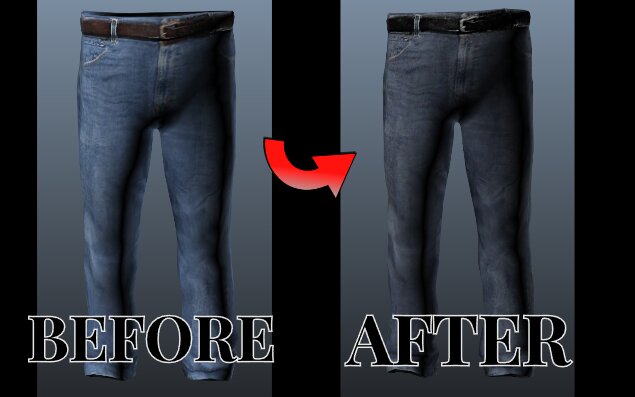
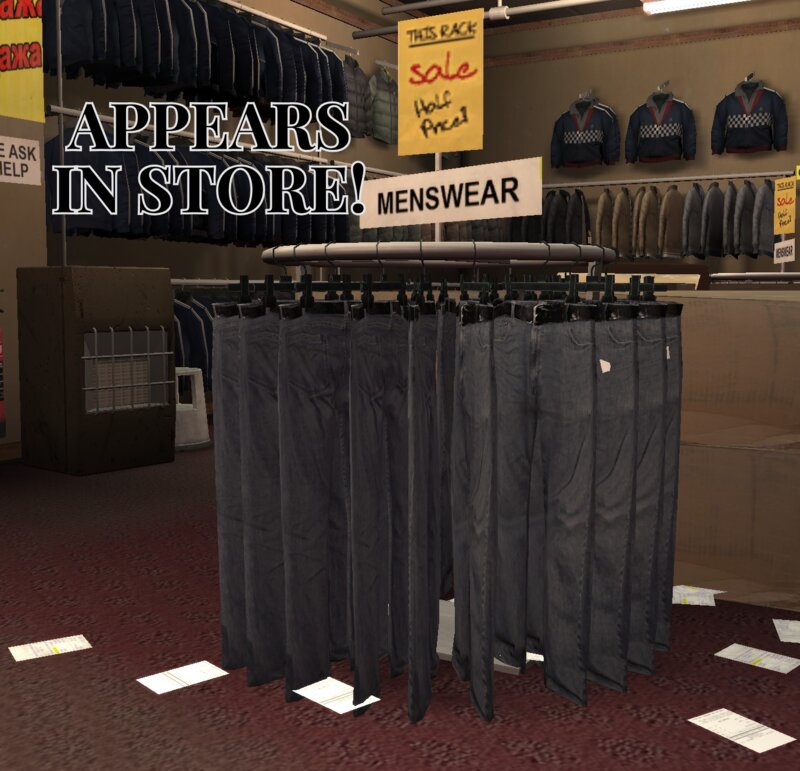
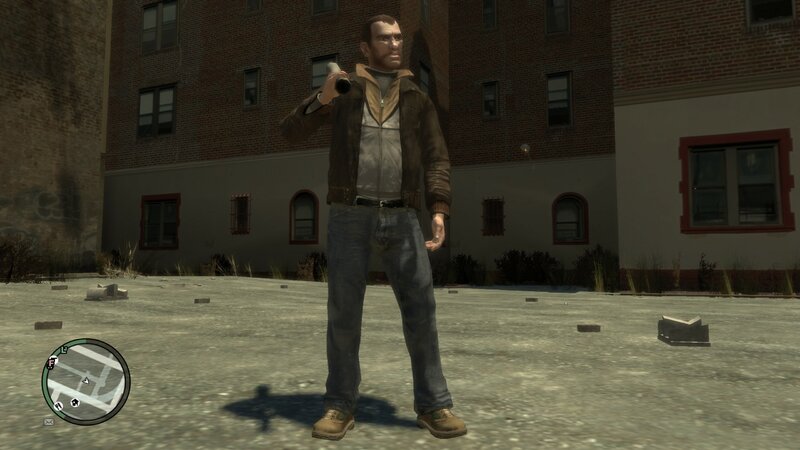
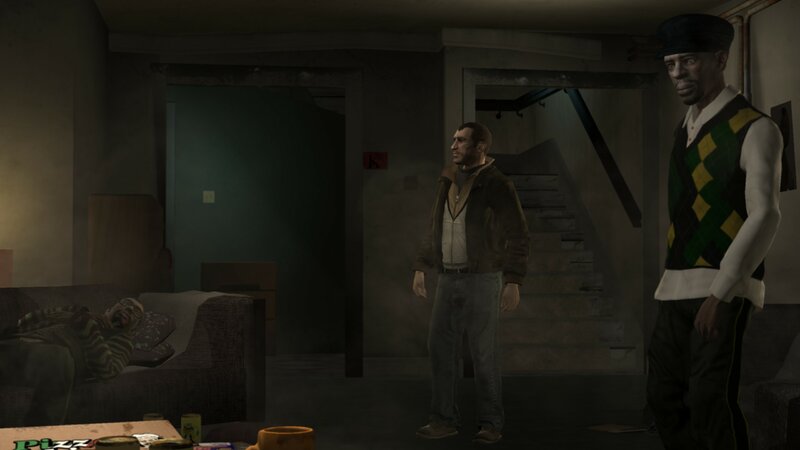
New textures for the jeans at the Russian shop. Long gone are the ugly, highly saturated jeans of before. This makes them less saturated and a better color, it also includes a black belt instead of sliver. The belt was also fixed up a little bit too.
INSTALLION
For the clothing item:
1 .Extract JEANS file to desktop or desired location
2. Run OpenIV and navigate: GTA IV/pc/models/cdimages/playerped.rpf
3. Click on Edit mode and click Yes
4. Use search bar at top right and look up: lowr
5. Scroll down til you find: lowr_diff_001_a_uni.wtd
6. Open lowr_diff_001_a_uni.wtf and click replace
7. Find JEANS file you extracted back in first step and double click it
8. Once you see it change, click save at bottom right and you are done
ENJOY
INSTALLION for item in shop
PLEASE MAKE BACKUP OF FILES
1. Open the Shop item folder you downloaded
2. Open all the folders and extract file: cj_cheap_jeans_rad to Desktop or desired location
3. Use the same path that's in the Shop item folder to navigate in OpenIV. For ex: GTA IV/pc/data/maps/props. etc...etc...
4. Click Edit mode and click Yes
5. Drag and drop MY cj_cheap_jeans_rad from wherever you extracted it to from the first step to OpenIV
6. Click Edit mode again to turn it off and save
7. Run your game and check it out!
ENJOY
if there any issues please comment on here or direct message me, Thanks
INSTALLION
For the clothing item:
1 .Extract JEANS file to desktop or desired location
2. Run OpenIV and navigate: GTA IV/pc/models/cdimages/playerped.rpf
3. Click on Edit mode and click Yes
4. Use search bar at top right and look up: lowr
5. Scroll down til you find: lowr_diff_001_a_uni.wtd
6. Open lowr_diff_001_a_uni.wtf and click replace
7. Find JEANS file you extracted back in first step and double click it
8. Once you see it change, click save at bottom right and you are done
ENJOY
INSTALLION for item in shop
PLEASE MAKE BACKUP OF FILES
1. Open the Shop item folder you downloaded
2. Open all the folders and extract file: cj_cheap_jeans_rad to Desktop or desired location
3. Use the same path that's in the Shop item folder to navigate in OpenIV. For ex: GTA IV/pc/data/maps/props. etc...etc...
4. Click Edit mode and click Yes
5. Drag and drop MY cj_cheap_jeans_rad from wherever you extracted it to from the first step to OpenIV
6. Click Edit mode again to turn it off and save
7. Run your game and check it out!
ENJOY
if there any issues please comment on here or direct message me, Thanks
Yorumlar
Şu ana kadar 1 yorum gönderilmiş.